
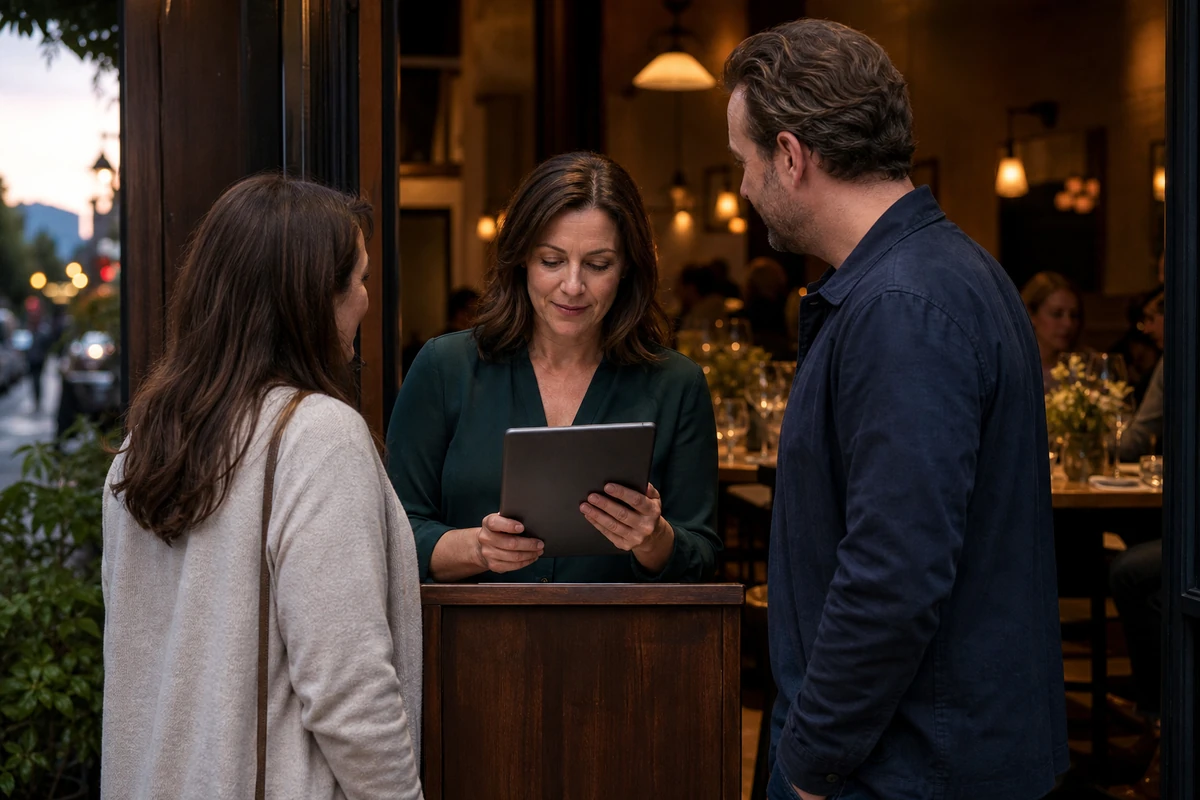
Start with one restaurant event and define exactly what a ticket includes. Set a seat limit the kitchen and dining room can serve, explain charges and cancellation terms before purchase, and test the complete path from a guest's phone to the host's arrival list. Judge the event by attended seats, contribution, service quality, and subsequent visits—not ticket sales alone.
A ticket needs to sell a clear reason to visit
A chef's tasting dinner, a seasonal menu preview, or a small pairing event gives guests a visit they can put on the calendar. Selling a ticket makes the commitment more explicit than an ordinary reservation. It also makes the restaurant responsible for explaining precisely what the guest is buying.
QSR Magazine's October 2026 coverage of Toast's fall release says Toast Tables ticketing lets restaurants sell special-event tickets while connecting ticket sales, payments, and guest data. Toast's own Fall Release 2026 page labels ticketing as beta and describes ticket sales, payments, check-in, and guest data as a connected experience. These are vendor descriptions, not an independent test or a promise of higher attendance. Confirm current access, pricing, and limitations with the provider before building an event around it.
The useful question is broader than which tool to buy: Can someone understand the event, purchase the right number of seats, and arrive to a host who knows what was promised? The checklist below is restaurant planning guidance, not a claim that every ticketing system supplies each control.
Decide what the ticket includes before setting its price
Write one plain-language event description before designing the promotion. State the date, location, arrival window, seating arrangement, meal or experience, expected duration, and what is optional. A ticket for one guest is different from a ticket for a table; a deposit toward dinner is different from a fully prepaid meal. Guests should not have to discover that distinction at checkout.
Make taxes, service charges, gratuity treatment, cancellation deadlines, transfer rules, and the restaurant's process if the event is canceled visible before purchase. Have the appropriate adviser confirm terms and local requirements rather than copying another venue's wording. This is not legal or tax advice.
- Define whether one ticket admits one person, one party, or one table.
- List included food and beverages, along with anything charged separately.
- Explain dietary-request deadlines and how guests can discuss accommodation; do not promise an option the kitchen has not approved.
- Give guests a real contact route for accessibility, arrival, and ticket questions.
Set capacity around the service, not just the room
The room's maximum headcount is not automatically the right ticket inventory. A paced dinner may be limited by a cooking station, the speed of a shared course, staffing, or the table layout. Build the event around what the team can deliver comfortably, then reserve any seats needed for approved holds or operational flexibility.
Use one authoritative inventory for tickets sold online, by phone, and at the restaurant. If the platform does not combine those channels, assign someone to reconcile them before accepting another sale. Specify how canceled seats return to inventory and how a waitlist is handled; neither should depend on an informal message thread.
- Confirm the service plan and sellable seat count with the chef and floor manager.
- Separate tickets sold from seats admitted when one ticket covers multiple guests.
- Check whether seating times, party grouping, and table assignments require manual work.
- Test the sold-out state and the process for releasing a canceled seat.
Rehearse the path from purchase to the host stand
Before distributing the ticket link, use the provider's approved test or sandbox process on a phone. If a real transaction is necessary, have the restaurant authorize the purchase and cleanup first. Review the final charges, complete the permitted test, and inspect the confirmation as a guest would. A successful payment screen is only the middle of the journey.
Then ask the host to find that purchase in the actual event list. Confirm the purchaser's name, number of admitted guests, event date, arrival time, and ticket status match the confirmation. Practice what happens when someone has a forwarded confirmation, a transferred ticket, a canceled order, or no phone signal. Only retain guest information needed for the event and protect any exported arrival list.
- Verify the confirmation identifies the correct restaurant, event, time, and party entitlement.
- Check whether a cancellation or refund changes the host's arrival record as expected.
- Assign authority for ticket exceptions so the host is not improvising during the arrival rush.
- Rehearse a provider-approved offline fallback and reconcile it with the live list afterward.
- Remove test seats and records, and verify any authorized refund rather than assuming cleanup happened.
Promote the experience without creating a second set of promises
Send every email, social post, website button, and in-restaurant invitation to the same event-specific purchase page. Keep the date, inclusions, arrival instructions, and availability consistent. If something changes, update the page and notify affected ticket holders instead of editing only the newest promotional post.
A reminder should help guests attend: where to enter, when to arrive, what the ticket covers, and who to contact. After the event, offer a clear next visit reason such as a related seasonal dish or another announced dinner. Keep optional marketing consent separate from ticket administration and honor guests' communication choices. An event purchase is not permission to add someone to every campaign.
Count attended seats and contribution, not just sales
Review tickets sold, seats represented, cancellations, refunds, attended seats, and unused seats separately. Add guest questions, check-in exceptions, and service problems to the debrief. A sold-out event that confuses guests at the door is not a complete success.
Estimate event contribution from retained ticket revenue and separately purchased items, less the relevant food, beverage, incremental labor, processing, platform, and promotional costs. Avoid counting prepaid items again as additional sales. Compare the result with a comparable service period and record whether the event displaced normal diners. This is a planning comparison, not proof that the ticketing software caused growth.
Where guests have appropriately chosen to be contacted and records can be matched responsibly, track later completed visits separately from email opens or clicks. Repeat the event only when its visit reason, economics, and guest experience hold up together.
- Did the event attract additional guests or mainly move existing demand?
- Did the kitchen and host team deliver the experience described on the ticket?
- Were charges, cancellations, and arrival exceptions handled clearly?
- What should change before another set of seats goes on sale?
Submit a restaurant or local business.
Share the business details, useful links, and what makes the place worth knowing for possible Restaurant Tech Report coverage.
FAQ
Is a restaurant event ticket the same as a reservation?
Not necessarily. A ticket may fully prepay an experience, cover several guests, or act as a deposit. State its exact entitlement and remaining charges before purchase, and confirm that the host's event record reflects those terms.
Does Toast's new ticketing announcement mean every restaurant can use it?
No. Toast's Fall Release 2026 page labels ticketing as beta. Availability, eligibility, pricing, and operating limits should be confirmed directly with Toast. This guide is not a hands-on product review or a guarantee of access.
What should a restaurant measure after a ticketed event?
Track attended seats, cancellations, refunds, unused seats, event contribution, check-in exceptions, service quality, and appropriately measured later visits. Ticket sales alone do not show whether the event created incremental, worthwhile restaurant demand.