
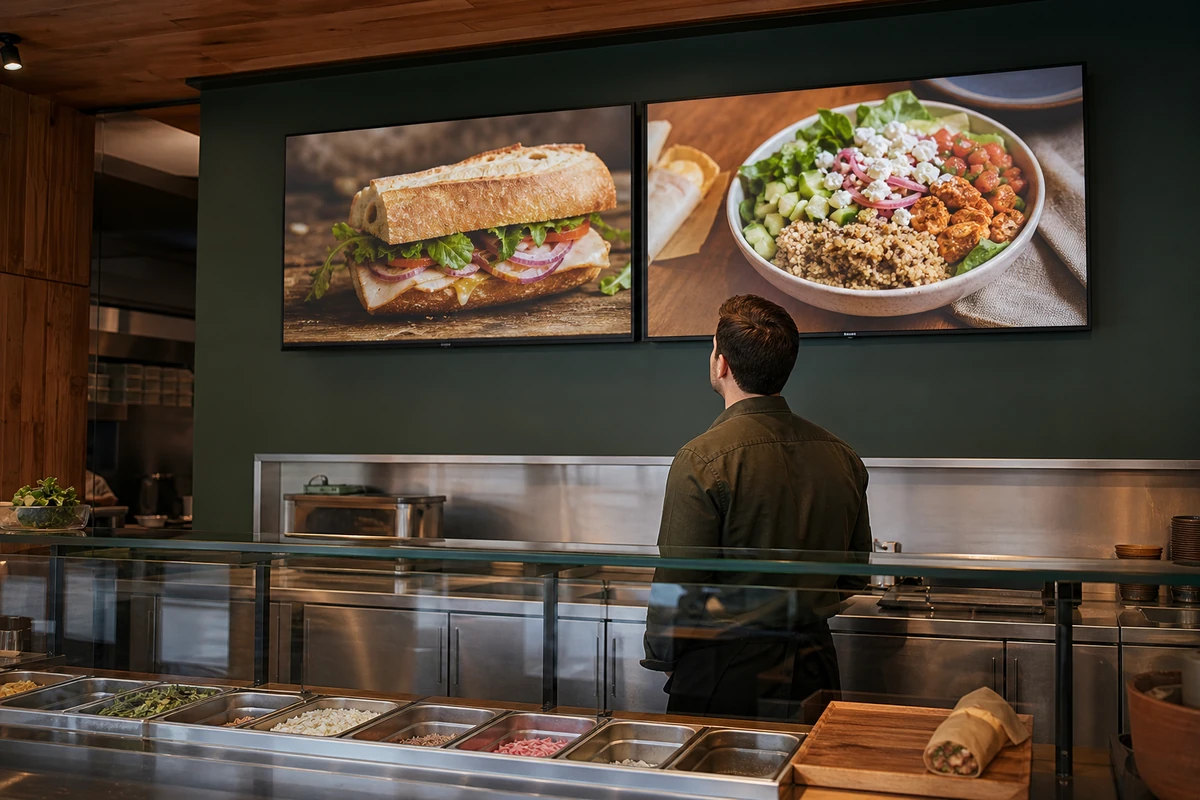
AI-generated editorial image. This illustrative scene is not a documented restaurant test or a specific signage product.
Give one person responsibility for menu availability each shift. Rehearse a sold-out item from kitchen alert to screen update, ordering-channel check and staff handoff. Judge the change by fewer unavailable-item orders and better recovery, not screen views alone.
The useful promise is an accurate menu, not another screen
A guest studies the screen, chooses a sandwich and reaches the register. Only then does the cashier explain that the kitchen ran out. The restaurant may save the sale with a substitute, but it has also asked the guest to start the decision again. A brighter display does not solve that problem if the information on it stays wrong.
In an October 15 Modern Restaurant Management article, Misty Chalk describes digital signage that can distribute content remotely and connect with inventory and back-of-house systems. She argues that timely availability updates can help avoid promoting food that has sold out. Chalk is a BrightSign sales executive; the piece is a vendor perspective, not independent evidence that a particular restaurant will increase sales.
For an independent operator, the practical question is narrower: can the team stop advertising an unavailable item before the next guest orders it? The checklist below is editorial operating guidance, not a report of a system we tested or a promise about any vendor's integrations.
Map every place that can still promise the dish
Start with one item that regularly sells out or changes by daypart. Follow it across the dining-room display, register menu, kiosk, first-party online ordering and any delivery marketplaces you actually use. Include scheduled promotional slides as well as the menu itself. Hiding a product tile does little good if a separate advertisement keeps showing the same dish.
Do not assume that connecting a signage player to a network connects it to inventory. Ask the provider to demonstrate the exact availability change in your proposed setup. Establish which system supplies the status, which channels receive it, who confirms the change and what happens when that connection fails.
- Name the affected item and the unavailable ingredient or preparation limit.
- List each customer-facing menu or promotion that mentions it.
- Record whether each channel changes automatically or needs a separate manual action.
- Assign a shift owner and a backup who can make the change without waiting for an off-site manager.
Rehearse the sold-out handoff before the lunch rush
Run a controlled rehearsal outside service, using preview or training tools where available. The kitchen reports the item unavailable; the shift owner updates the designated system; a second person checks the actual customer-facing screens and ordering channels. If a live test is necessary, schedule it so guests cannot pay for the test item and restore normal availability immediately afterward.
Use a simple time log: kitchen alert, update submitted, display visibly changed, ordering channel confirmed and cashier informed. Those timestamps reveal whether the delay sits in the software, an overlooked playlist or the human handoff. A save confirmation is not the same as seeing the corrected menu at the counter.
Keep the recovery language direct. Staff should explain what is unavailable and offer a clearly described alternative without quietly substituting ingredients. If an order has already been placed, follow the restaurant's established correction or refund process and check with the guest before changing the meal.
Make daypart changes and outages part of the same test
Sold-out items are only one way screens fall out of step with service. A breakfast slide can keep running after the kitchen switches stations. An expired offer can remain in a scheduled playlist. A disconnected player may keep displaying previously downloaded content. Confirm the behavior of your own equipment rather than assuming every screen works the same way.
Ask the team to show the last approved fallback menu and how to reach it. It should contain only items, prices and ordering instructions that the restaurant can still honor. If the display cannot be corrected promptly, stop presenting misleading offers and use a legible, accurate backup menu. A screen going dark is inconvenient; a screen confidently making the wrong promise can create a harder service problem.
Keep the availability checklist alongside your broader promotion schedule. Changes to a menu offer need an owner, an end time and a verification step, not just a new image file.
Measure missed orders before claiming a sales lift
The source article discusses combining signage engagement with other marketing and sales data. Treat that as a measurement possibility, not proof that someone who looked at a screen bought because of it. For this first test, a handwritten issue log and existing order reports may be more useful than buying another analytics layer.
Track unavailable-item attempts, replacements the guest accepts, cancellations or refunds connected to availability, and how long corrections take. Compare similar service periods and note changes in traffic, staffing, weather and promotions. Keep completed-order counts beside average check: a higher average among fewer completed orders is not automatically a better result.
These observations can show whether the workflow is becoming more reliable. They do not, by themselves, establish a causal sales lift or prove that guests will return. Use repeat-visit reporting only where your existing systems can measure it appropriately, and do not add cameras or personal tracking merely to count attention.
- Keep a baseline before changing the workflow.
- Record the cause of each exception, not just the number of screen updates.
- Review unresolved failures with the shift owner and the provider.
- Expand only when staff can repeat the correction reliably during normal service.
Buy the handoff you can maintain
Before committing to hardware or a subscription, ask to see the complete correction on the equipment and software you would actually use. Include user permissions, offline behavior, update confirmation and any separate work required for online ordering. Get responsibilities and ongoing charges in writing; a feature listed in a brochure is not proof it is included in your configuration.
A restaurant with a small menu may first need a better shift checklist, not a new screen. A more complex operation may justify integrated controls, but only if someone owns the exceptions. The aim is a menu guests can trust and a team that can recover cleanly when service changes. More promotions can wait until the restaurant can keep the promises already on the wall.
Submit a restaurant or local business.
Share the business details, useful links, and what makes the place worth knowing for possible Restaurant Tech Report coverage.
FAQ
Do restaurant digital menus automatically know when an item sells out?
Not necessarily. Availability updates depend on the specific inventory, ordering and signage systems, their configuration and the staff workflow. Ask for a demonstration on the proposed setup and verify each customer-facing channel.
What should a restaurant do if its digital menu stops updating?
Use the documented fallback for that equipment. Confirm which content remains visible, stop showing offers the restaurant cannot honor, provide an accurate backup menu and assign someone to verify the recovery.
How can a restaurant judge a digital-menu availability test?
Compare similar service periods using a baseline, correction timestamps and a log of unavailable-item attempts, accepted replacements, cancellations and related refunds. Screen views alone do not establish extra sales or repeat visits.